
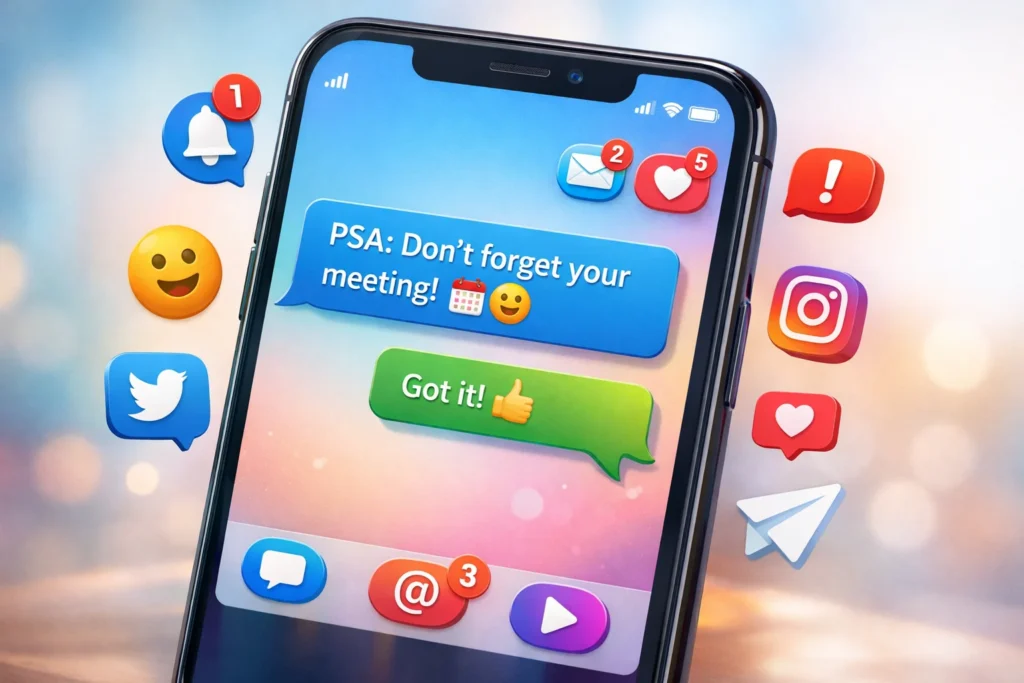

Definition:
PSA in texting stands for Public Service Announcement. It is commonly used in digital conversations, social media posts, and messaging apps to share important, informative, or cautionary messages with others. Think of it as a friendly “heads-up” or “FYI” to your audience.
In today’s fast-paced digital world, abbreviations and acronyms have become a language of their own. From texting friends to posting on social media, knowing the meaning behind these shorthand terms can save you from confusion and even embarrassment.
One acronym you’ve probably seen popping up in chats, tweets, or Instagram captions is PSA. But what does it actually mean when someone texts it? Is it serious, friendly, or just a casual heads-up?
In this article, we’ll break down PSA in texting, explain its origin, explore real-world examples, and show you how to use it correctly whether you’re sending a friendly tip, a professional alert, or a playful warning. By the end, you’ll never be caught wondering what PSA stands for again!
Origin of PSA in Texting
The abbreviation PSA originally comes from radio and television broadcasting, where it referred to Public Service Announcements short messages designed to inform the public about safety, health, or social issues.
- Early Use: PSAs were broadcasted on TV and radio during the 20th century to raise awareness about topics like anti-smoking campaigns, road safety, and emergency alerts.
- Transition to Digital: With the rise of social media, texting, and online messaging, PSA made its way into digital conversations. People began using PSA in texts, tweets, and posts to share advice, warnings, or general information in a concise way.
- Popularity: Its popularity grew with platforms like Twitter, Instagram, and TikTok, where quick, attention-grabbing messages are crucial.
Key takeaway: The digital PSA is less formal than its broadcast counterpart, often used casually among friends or followers.
Usage of PSA in Text
In texting and online messaging, PSA signals that the following message is intended to inform or alert the reader. It can be:
- Friendly: Sharing helpful tips or reminders.
- Neutral: Providing information without expressing personal opinion.
- Dismissive or Witty: Occasionally used sarcastically to exaggerate a minor “warning.”
Common Contexts
- Health & Safety: “PSA: Don’t forget to drink water today 💧”
- Events & Updates: “PSA: The store closes at 8 PM tonight!”
- Social Tips: “PSA: Always check your messages before sending 😅”
Pro Tip: In informal texting, pairing PSA with emojis or casual tone makes it more approachable.
Examples of PSA in Text
| Tone Type | Example | Explanation |
|---|---|---|
| Friendly | “PSA: Study breaks help you focus better! 📚☕” | Used to remind or encourage friends. |
| Neutral | “PSA: The meeting has been moved to 3 PM.” | Informative, no added emotion. |
| Sarcastic/Witty | “PSA: Don’t forget to check if your phone is still charged… unlike me 😅” | Playful exaggeration, humorous. |
| Urgent | “PSA: Severe weather warning in your area! ⚠️” | Serious alert requiring attention. |
Tone Variations When Using PSA
- Casual: Perfect for group chats or social media captions.
- Professional: Can be used in emails or work channels if followed by clear, concise info.
- Humorous: Works well with memes or playful posts, often exaggerating minor “alerts.”
Tip: Consider your audience before using PSA. A playful PSA may not work in a professional email.
PSA vs. Related Terms
There are several abbreviations and phrases similar to PSA. Understanding the difference can help you choose the right one:
| Abbreviation | Meaning | Use Case |
|---|---|---|
| FYI | For Your Information | Casual or professional, neutral tone |
| HT | Heads Up | Informal, gives a warning or alert |
| NB | Nota Bene / Note Well | Formal, used in professional or academic writing |
| IMO/IMHO | In My Opinion / In My Humble Opinion | Opinion-based, not purely informative |
Comparison Insight:
- PSA is closer to a public alert or tip.
- FYI is more neutral and professional.
- HT is informal and usually for quick notifications.
Alternate Meanings of PSA
While Public Service Announcement is the most common, PSA can also mean:
- Prostate-Specific Antigen: Medical term often discussed in health contexts.
- Professional Sports Authenticator: Term used in trading card communities.
- Personal Security Assistant: Less common, refers to digital or personal safety tools.
Note: In texting or social media, the Public Service Announcement meaning is overwhelmingly the default.
Polite and Professional Alternatives to PSA
If you want to convey a PSA-like message without using “PSA,” consider:
- FYI: “FYI, the report deadline is tomorrow.”
- Quick Reminder: “Quick reminder: submit your forms by Friday.”
- Heads-Up: “Heads-up: the schedule has changed.”
- Please Note: Formal and polite, good for professional communication.
Practical Tips for Using PSA in Text
- Keep it concise: PSAs are short, impactful messages.
- Use emojis wisely: Add friendliness or tone, but don’t overdo it.
- Context matters: Tailor your PSA to friends, colleagues, or public posts.
- Avoid overusing: Frequent PSAs in casual chats can seem nagging.
- Combine with links or resources: Especially for informative or urgent alerts.
FAQs
1. What does PSA mean on social media?
It stands for Public Service Announcement, used to share tips, warnings, or important info.
2. Is PSA only for serious messages?
No. PSAs can be friendly, neutral, humorous, or serious depending on context.
3. Can I use PSA in professional emails?
Yes, but ensure the tone matches professionalism. Consider alternatives like FYI or Please Note.
4. How is PSA different from FYI?
PSA implies a public announcement or alert; FYI is simply informational without implying urgency.
5. Are there emoji rules for PSA?
No strict rules. Emojis can enhance tone (friendly or urgent), but use sparingly in professional contexts.
6. Can PSA be sarcastic?
Yes, many use PSA humorously to exaggerate minor tips or warnings.
7. Is PSA recognized globally?
Mostly in English-speaking countries and online communities. Its meaning is widely understood in texting and social media.
8. What other acronyms are similar to PSA?
FYI, HT (Heads-Up), NB (Nota Bene), and alerts like “Alert!” or “Reminder.”
Conclusion
Using PSA in text is a versatile, friendly way to share important messages, tips, or warnings. From friendly reminders to serious alerts, the tone you choose can make it casual, neutral, or humorous. When texting or posting on social media:
- Consider your audience.
- Keep your message concise and clear.
- Use emojis and formatting for emphasis.
- Know alternatives like FYI, heads-up, or “please note” for professional contexts.
In short, a PSA is your digital megaphone a short, informative, and often attention-grabbing alert that helps your message stand out.
Discover More Related Articles:
- 200+Perfect Replies to “You Are an Inspiration” for Any Situation (2026)
- 150+How To Respond To “I’ve Been Busy” Without Overthinking (2026)