

Definition
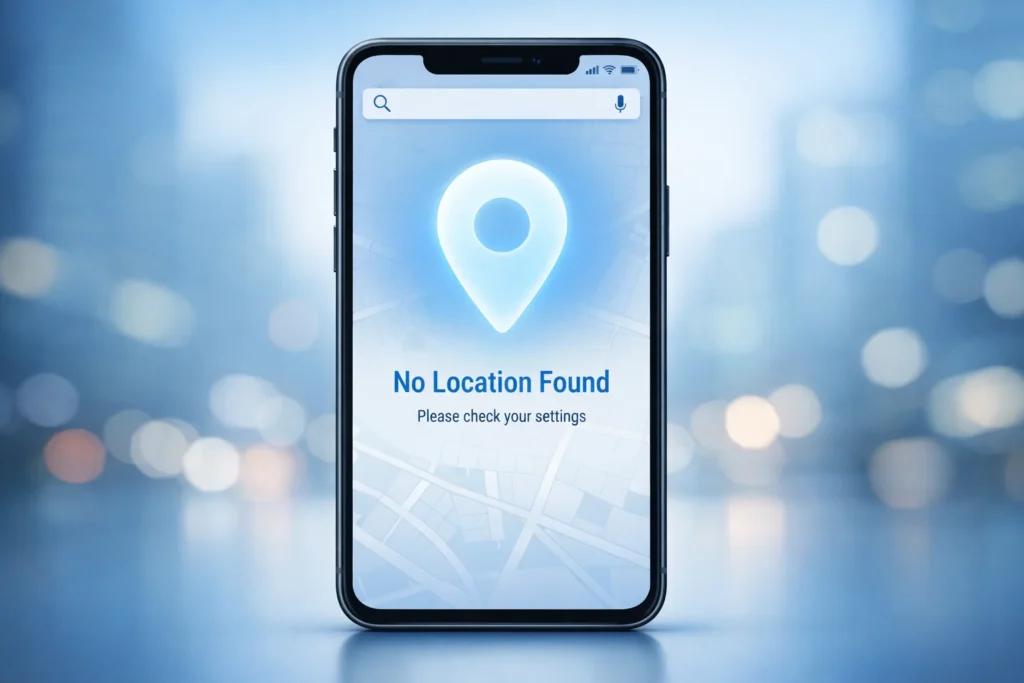
“No location found” means that a device, app, or system is unable to detect, retrieve, or display a user’s current or shared location due to missing GPS data, privacy settings, or connectivity issues.
If you’ve ever shared your location, used a map app, or sent a message and suddenly seen the phrase “No location found”, you might have paused and wondered what it actually means. Is it an error? Is your phone broken? Or is it just a simple technical message?
In today’s digital world, where messaging apps, GPS services, and social platforms rely heavily on location data, this phrase appears more often than you might expect. Understanding it can help you avoid confusion and respond correctly when it shows up.
Let’s break it down in a simple, human-friendly way so you know exactly what “no location found” means in text and real-world usage.
In simple terms, it means the system tried to find a location but couldn’t get any usable location information.
Origin and Why It Appears
The phrase “no location found” comes from digital mapping systems and mobile operating systems that rely on GPS, Wi-Fi, and mobile signals to determine where a device is located.
As smartphones and apps became more advanced, location-sharing features were added to:
- Messaging apps (like WhatsApp, Snapchat, and iMessage)
- Navigation tools (like Google Maps)
- Social media platforms
- Delivery and ride-sharing apps
When these systems fail to access location data, they display a fallback message—most commonly “No location found.”
Why it became common in texting
With the rise of real-time location sharing in chats, people started seeing automated system messages inside conversations. Instead of a human-written reply, the app sends a technical status message.
That’s how it entered everyday texting language.
What “No Location Found” Means in Different Contexts
This phrase can appear in different situations, and its meaning slightly changes depending on where you see it.
1. In Messaging Apps
When you try to share your location in a chat:
- The app cannot detect GPS
- The message shows “No location found”
2. In Maps Apps
When searching for a place or your current position:
- The system fails to load coordinates
- It returns no usable result
3. In Social Media
When a post or story tries to tag a location:
- The location database doesn’t respond
- Or GPS permission is blocked
4. In Delivery or Ride Apps
When trying to set pickup or drop-off:
- GPS signal is weak or unavailable
- App cannot pinpoint exact location
Common Reasons for “No Location Found”
There are several reasons why this message appears. Most are technical and easy to fix.
🔧 Main causes include:
- GPS is turned off on the device
- Weak or no internet connection
- Location permissions not granted to the app
- Device is in airplane mode
- App glitch or outdated version
- Poor satellite signal (indoors, tunnels, dense buildings)
- Battery-saving mode restricting location services
Real-World Examples
Here are some simple examples to help you understand how this phrase appears in real conversations and apps.
Example Table
| Situation | What You See | Meaning |
|---|---|---|
| WhatsApp location sharing | “No location found” | GPS cannot detect your position |
| Google Maps search | “No location found” | No matching place or signal issue |
| Snapchat Snap Map | “No location found” | User’s location is disabled |
| Ride app (Uber/indrive) | “No location found” | App cannot detect pickup point |
Text Conversation Example
Friend A: Where are you?
Friend B: It says “no location found” 😅
👉 Meaning: Their phone is unable to share live location.
Neutral Technical Example
- “Unable to share location: No location found.”
- “Location service error: No location found.”
Tone and Meaning in Conversations
Even though it sounds technical, the tone of “no location found” depends on context.
1. Neutral tone (most common)
- Just a system message
- No emotional meaning
2. Frustration tone
- User is annoyed because location is not working
- Example: “Ugh, no location found again 😤”
3. Casual chat tone
- Used jokingly between friends
- Example: “I’m invisible to GPS today, no location found 😂”
4. Problem-indicating tone
- Suggests something is not working properly
- Needs fixing or checking settings
Comparison With Related Terms
Many users confuse “no location found” with similar phrases. Here’s a simple comparison:
| Phrase | Meaning | Difference |
|---|---|---|
| No location found | Cannot detect any location | GPS/data missing |
| Location not available | Temporarily unavailable | May return later |
| Unable to locate | System cannot find position | Broader error |
| No results found | Search returned nothing | Not GPS-related |
Alternate Meanings (Rare Cases)
In most situations, this phrase is technical. However, in informal texting, it can sometimes be used metaphorically.
Possible alternate meanings:
- “I’m not telling you where I am 😄”
- “I’m off the grid / not reachable”
- “I don’t want to share my location”
👉 These are playful or sarcastic uses, not literal technical errors.
How to Fix or Respond to “No Location Found”
If you see this message and want to fix it, here are simple steps:
📱 Basic fixes:
- Turn on location services (GPS)
- Enable app location permissions
- Check internet connection (Wi-Fi or mobile data)
- Restart the app
- Update the app
- Turn off airplane mode
- Move outdoors for better GPS signal
💬 How to respond in chat:
If someone sends you this message:
- “Try turning on your GPS 😊”
- “Maybe your location is off”
- “It’s okay, just send it manually”
- “Looks like your signal is weak”
Polite or Professional Alternatives
If you want to express the same idea in a more formal way, you can use:
- “Location data unavailable”
- “Unable to retrieve location”
- “GPS signal not detected”
- “Location services currently disabled”
- “Coordinates cannot be determined”
These are more suitable for professional apps, reports, or technical communication.
Why This Message Matters in Digital Communication
Although it seems small, this phrase plays an important role in modern technology:
- It alerts users to connectivity or permission issues
- Helps apps avoid showing incorrect locations
- Improves user experience by providing clear feedback
- Prevents privacy-related confusion
Without messages like this, users would just see blank or incorrect map data, which would be even more confusing.
FAQs
1. What does “no location found” mean in text messages?
It means the app cannot detect or share your current location due to GPS or permission issues.
2. Why does my phone say “no location found”?
Usually because location services are off, signal is weak, or the app doesn’t have permission.
3. Is “no location found” an error?
Yes, it is a system error message indicating missing or unavailable location data.
4. Can someone see my location if it says “no location found”?
No, if this message appears, your location is not being shared.
5. How do I fix “no location found” on WhatsApp or Maps?
Turn on GPS, enable permissions, and ensure internet connection is stable.
6. Does “no location found” mean I’m blocked?
No, it has nothing to do with blocking. It is a technical issue only.
7. Why does it happen even when GPS is on?
It can happen due to poor signal, indoor location, or app glitches.
8. Is “no location found” permanent?
No, it is usually temporary and fixes itself once the connection or settings are corrected.
Conclusion
The phrase “no location found” may look confusing at first, but it is simply a technical message telling you that a device or app cannot access or detect location data at that moment.
Whether it appears in messaging apps, maps, or social platforms, the meaning stays mostly the same—your location is unavailable or cannot be retrieved right now.
By understanding its causes, examples, and fixes, you can easily identify whether it’s a minor issue or something that needs adjusting in your device settings.
In short:
- It’s not an error in your identity or phone
- It’s just a signal or permission issue
- And it’s usually easy to fix
Discover More Related Articles:
- What Does NT Mean in Gaming?: Ranked Matches in 2026
- “En” Mean in Spanish: How “En” Differs From “Sobre” in 2026